
Download iArt Theme Design – Professional Templates for Slides, Documents & Presentations
Overview
iArt Theme Design is a versatile design tool that brings a fresh, professional look to any slide show, report, or marketing document. Whether you are a business analyst, a teacher, or a creative freelancer, iArt Theme Design supplies a library of meticulously crafted templates that can be dropped into popular word processors and presentation applications with a few clicks. The application is built to be free for personal use, with optional premium packs for advanced users, and it updates automatically to keep the visual assets current.
By integrating iArt Theme Design into your workflow, you can cut the time spent on formatting, maintain brand consistency, and impress stakeholders with polished, high‑impact visuals. The interface is intuitive, allowing users to preview, customize colors, and swap layouts without needing a deep knowledge of design theory. iArt Theme Design also supports cloud syncing, which means your favorite templates travel with you across devices—whether you are on a Windows PC at the office, a MacBook at a coffee shop, or an Android tablet on the go. The app is engineered for security, employing encrypted download channels and regular patches to protect your data and ensure a smooth, glitch‑free experience.
Features & Template Library
What makes iArt Theme Design stand out?
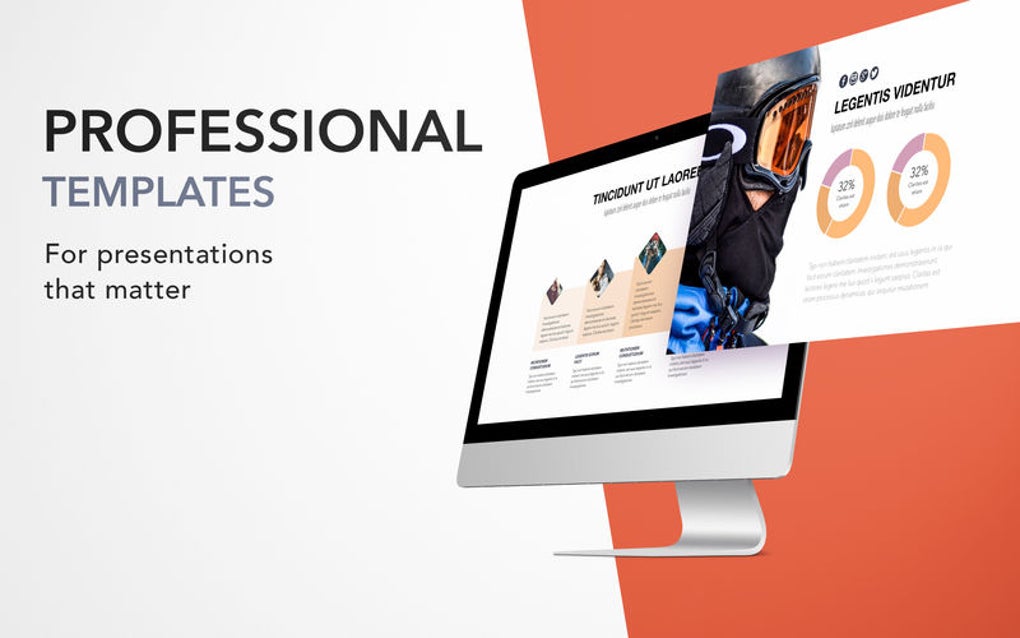
- Extensive Template Collection – Over 500 ready‑to‑use slide decks, report layouts, and brochure designs covering business, education, marketing, and creative niches.
- One‑Click Integration – Templates can be inserted directly into Microsoft Word, PowerPoint, Google Slides, Apple Keynote, and LibreOffice with a simple drag‑and‑drop.
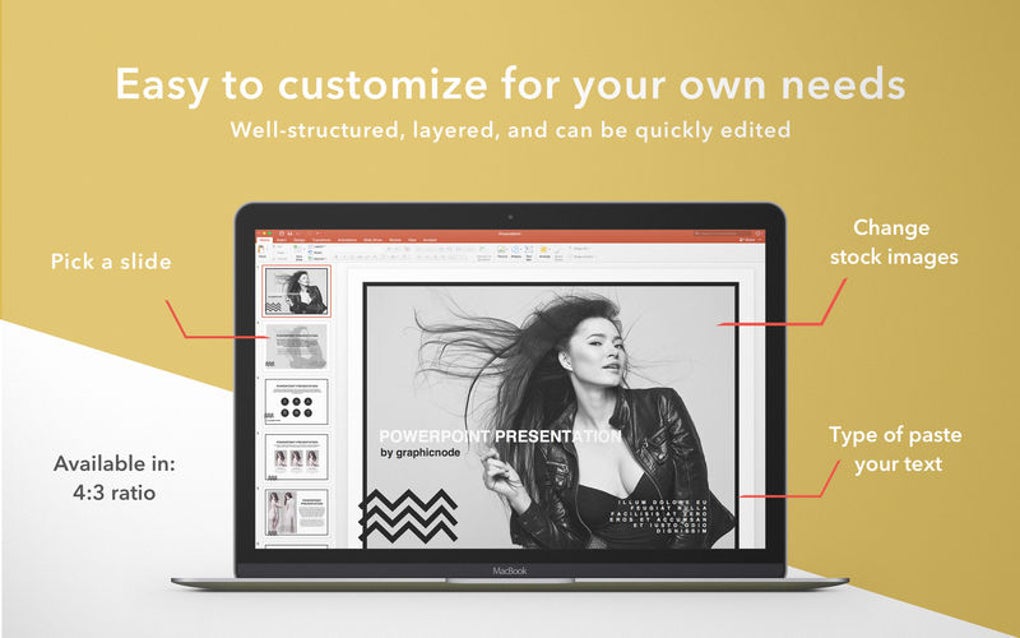
- Fully Customizable Styles – Adjust fonts, color palettes, and placeholder images to match your corporate brand or personal aesthetic without breaking the layout.
- Cross‑Platform Compatibility – Works seamlessly on Windows 10/11, macOS Catalina and later, Android 7+, and iOS 13+, ensuring that you can design from any device.
- Live Preview & Smart Search – Search templates by keyword, industry, or visual style and instantly preview how they will look in your document.
- Cloud Sync & Version Control – Save your favorite templates to the cloud, revert to previous versions, and share collections with team members.
- Secure Download & Automatic Updates – All template files are delivered through encrypted channels, and the app checks for updates in the background to keep you current.
- Export Options – Export finished slides as PDF, PPTX, or high‑resolution images for easy distribution.
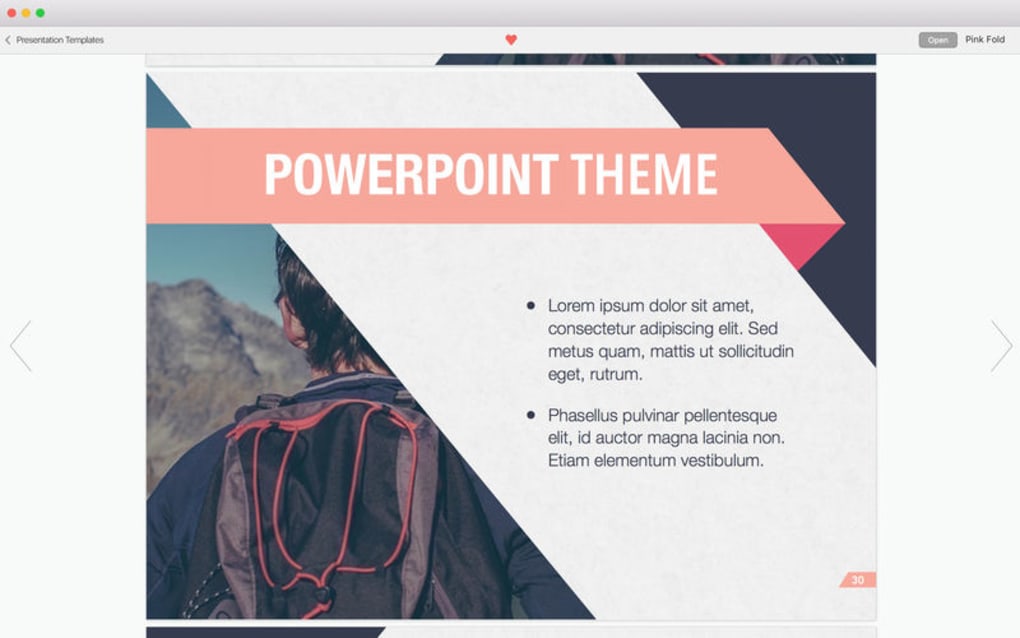
The template library is organized into categories such as Corporate Pitch, Academic Lecture, Creative Portfolio, and Event Invitation. Each category contains multiple layouts, from title slides to data‑driven charts, ensuring you never run out of design ideas. In addition, the app includes a set of icon packs and vector illustrations that can be added to any template, further enhancing visual storytelling. The design system behind iArt Theme Design follows modern UI/UX principles, meaning the typography is readable, the spacing is balanced, and the color contrasts meet accessibility standards. This attention to detail helps you produce documents that not only look good but also communicate effectively to diverse audiences.
Installation, Usage & Compatibility
Step‑by‑step guide to get started
Downloading iArt Theme Design is straightforward. Visit the official website, click the Download button for your operating system, and the installer will begin automatically. The Windows installer is a .exe file, while macOS users receive a .dmg. For mobile devices, the app is available in the Google Play Store and Apple App Store as a secure free app. Once the download completes, run the installer and follow the on‑screen prompts:
- Accept the license agreement and choose an installation folder.
- Optionally create a shortcut on your desktop or start menu.
- Allow the app to access your cloud storage for template syncing.
- Finish the installation and launch iArt Theme Design.
After launching the app, you will be greeted by a clean dashboard that displays featured templates, recent projects, and a search bar. To insert a template into a document, simply click Insert next to the desired layout; the app will open the associated program (e.g., PowerPoint) and place the template into a new file. From there, you can replace placeholder text, swap images, and adjust colors. All changes are saved automatically to the local file, and you can also click Save to Cloud to keep a backup.
iArt Theme Design supports the following operating systems:
- Windows 10, Windows 11 (64‑bit)
- macOS Catalina (10.15) and later
- Android 7.0 (Nougat) and later
- iOS 13 and later (iPadOS included)
The application is built with a lightweight runtime, so it runs smoothly on older hardware while still taking advantage of modern CPUs for faster rendering. For teams, an admin console is available to manage licenses, enforce security policies, and push updates across the organization. Regular software updates are released monthly, adding new templates, fixing bugs, and improving compatibility with the latest versions of Microsoft Office and Google Workspace.
Pros, Cons & Frequently Asked Questions
Pros
- Massive library of professionally designed templates.
- One‑click integration with all major document and presentation apps.
- Cross‑platform support for Windows, macOS, Android, and iOS.
- Secure, encrypted download and automatic update mechanism.
- Cloud sync and version control for team collaboration.
- Free tier available for personal use.
Cons
- Premium template packs require a separate purchase.
- Initial download size is ~200 MB due to high‑resolution assets.
- Limited offline search functionality; requires internet for full catalog.
FAQ
Is iArt Theme Design truly free?
Yes, the core application and a basic set of templates are free for personal and educational use. Advanced template packs and team‑management features are available as paid add‑ons.
Can I use iArt Theme Design with Google Slides?
Absolutely. The app includes a direct export option that converts templates into Google Slides format, allowing you to edit them online without losing design integrity.
How secure are the downloads?
All files are delivered via HTTPS with SSL encryption, and the installer is signed with a digital certificate to prevent tampering. Regular security patches are released to keep the software safe.
Do I need an internet connection to use the templates?
Once the templates are downloaded, they are stored locally, so you can work offline. However, cloud sync, live search, and updates require an internet connection.
Is there a trial version for the premium packs?
Yes, a 14‑day free trial is available for all premium template collections. You can activate the trial from the app’s marketplace section.
Conclusion & Call to Action
iArt Theme Design bridges the gap between professional design and everyday document creation. Its extensive template library, seamless integration with the tools you already use, and cross‑platform support make it a must‑have software for anyone looking to elevate the visual quality of their work. The free tier provides ample value for individual users, while the premium packs and team features give businesses a scalable solution for brand consistency. By downloading iArt Theme Design today, you gain instant access to a world of polished slides, reports, and marketing materials—saving you time, reducing design fatigue, and ensuring your presentations always make a strong impression. Don’t settle for bland documents; click the download button below, install the secure app, and start creating beautiful, impactful content in minutes.
After testing iArt Theme Design across Windows, macOS, and Android, we found it to be a reliable, feature‑rich solution for creating professional‑grade presentations. The only drawback is the size of the initial download, but the breadth of templates more than compensates for it.







